
Enable serial payment on Alliance Quantum Gold Pro machines
Enable Serial Payment on Alliance Quantum Gold Pro (Titanium) controls so Greenwald Pay devices and Greenwald contact-card readers can communicate with the machine.
- Procedure: INS. 2486 Rev A
- Frequency: Complete once unless machine settings are changed later
Identify a Quantum Gold Pro machine
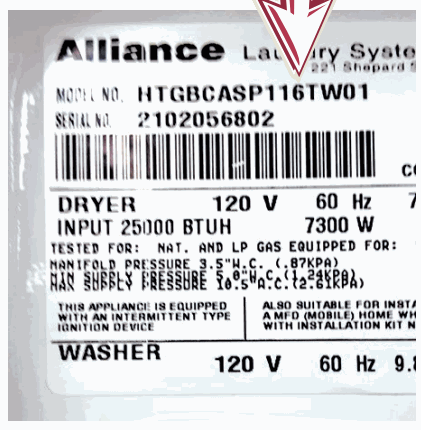
Find the model label inside the washer or dryer door. A Quantum Gold Pro model has the number 6 in position 11 of the model number.
Prepare for programming
- Power off the machine and follow all manufacturer precautions against electrical shock, injury, or death.
- Confirm that the coin vault is installed, or manually activate the coin-vault switch.
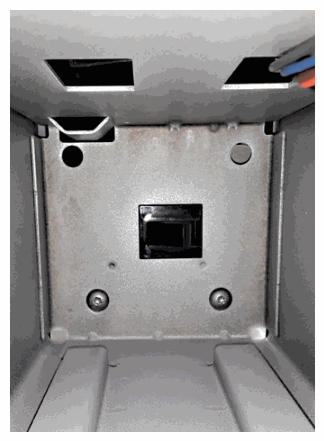
- Open the access panels with the correct key.
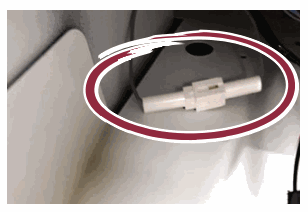
- On newer machines, open the service-mode jumper. Stack units have a separate jumper for each machine.
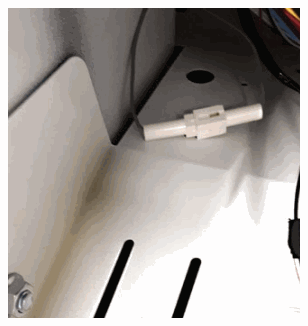
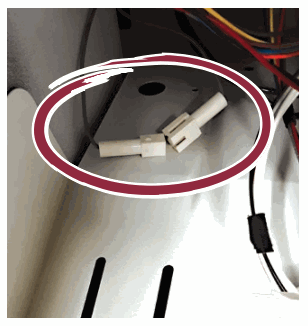
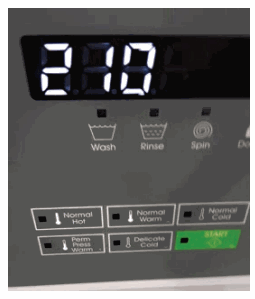
On older machines, opening the access panel releases the service switch and permits Manual Access Mode. 5. Power on the machine. Keep power on during programming. The normal vend price should appear; record it so you can confirm the same price when finished.
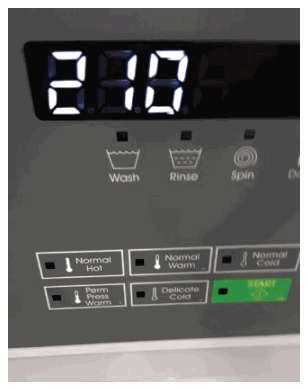
Manual Access controls
Press and hold the activation keys for the applicable machine. Use either listed scroll key to navigate, and use the Back key to exit.
| Machine type and tier | Activate Manual Access | Scroll keys | Back |
|---|---|---|---|
| TLW - T4 | Normal + Regular | Delicate; Hot | Warm |
| TLW - T1 | Normal Hot + Perm Press Warm | Normal Warm; Delicate Cold | Perm Press Warm |
| FLW - T4 | Normal + Regular | Delicate; Hot | Warm |
| FLW - T2 | Hot + Blankets Cold | Cold; Delicate Cold | Delicate Warm |
| FLW - T1 | Normal Hot + Perm Press Warm | Normal Warm; Delicate Cold | Perm Press Warm |
| Dryer - T4 | High Temp + Medium Temp | Low Temp; Delicate | Medium |
Enter Manual Programming
- Hold the activation keys until rAPid appears.
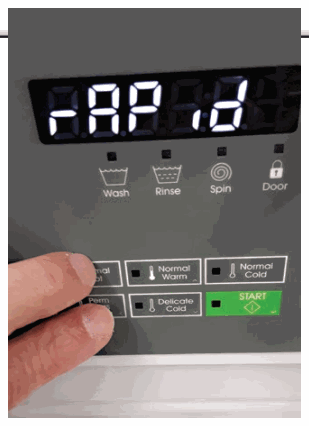
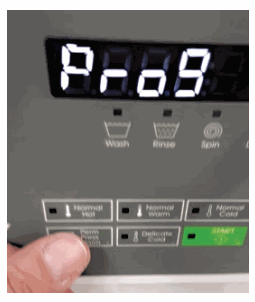
- Use a scroll key until Prog appears.
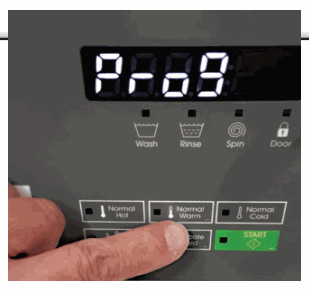
- Press Start/Enter. The display should show AtS.
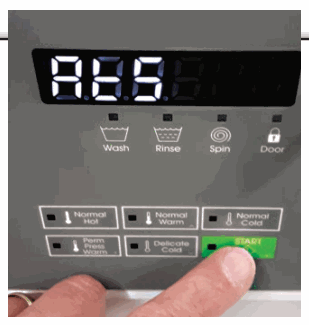
Enable Card Serial Payment
- Scroll until SErPAy appears.
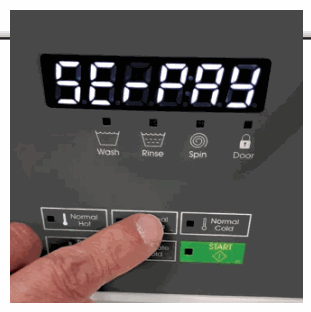
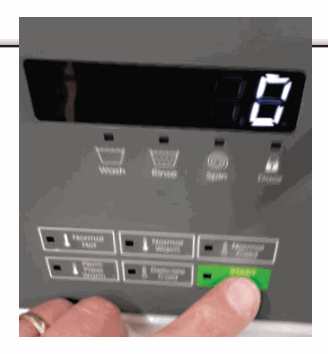
- Press Start/Enter. Numeric controls normally show 0; non-numeric controls may show SEriAL.
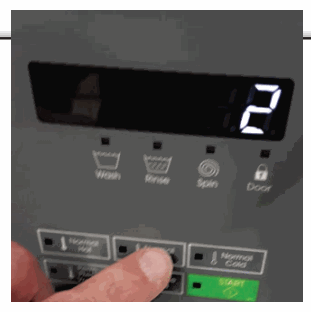
- Scroll to 2, or scroll to Card on a non-numeric control.
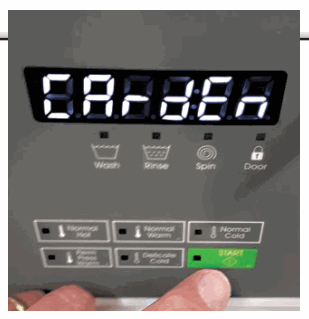
- Press Start/Enter. The display should show CArdEn.
Enable General Serial Payment
- If needed, scroll back to CArdEn, then press Start/Enter. The default should be off.
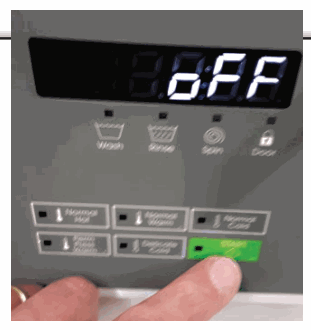
- Scroll until on appears.
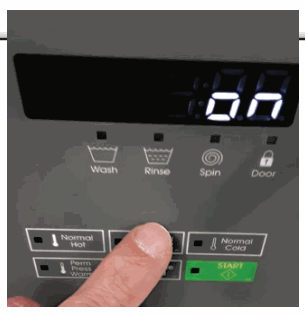
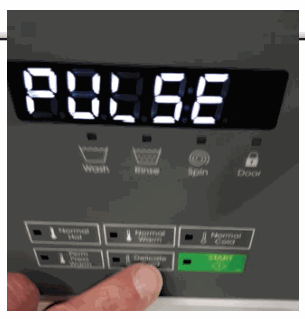
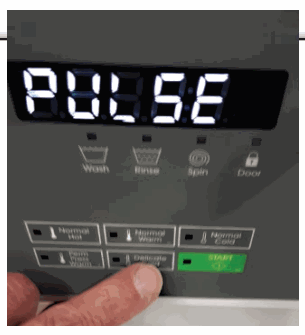
- Press Start/Enter to select PULSE mode, then press Start/Enter again to confirm.
Exit and restore service
- Use the applicable Back key to leave Manual Programming and Manual Access Mode. Continue until the normal vend price returns.
- Power off the machine.
- Close every service-mode jumper opened earlier.
- Close all access panels.
- Install the applicable Greenwald Pay device or Greenwald card reader.
Original procedure
Download INS. 2486 Rev A. The same PDF remains attached to this page.